Logo Blocks Activities
Activity cards for all three levels help you practice your coding skills!
If you haven’t used Logo Blocks before, start with these step-by-step guides and tutorials:
After you are familiar with using Logo Blocks, these activities will help fine-tune your coding skills.
Each set of activities begins with easier concepts and progresses to more advanced coding projects.
You can find additional project ideas in Turtle Tuesdays, our weekly Logo coding challenges. Many can be done using Logo Blocks!
Beginner Mode:
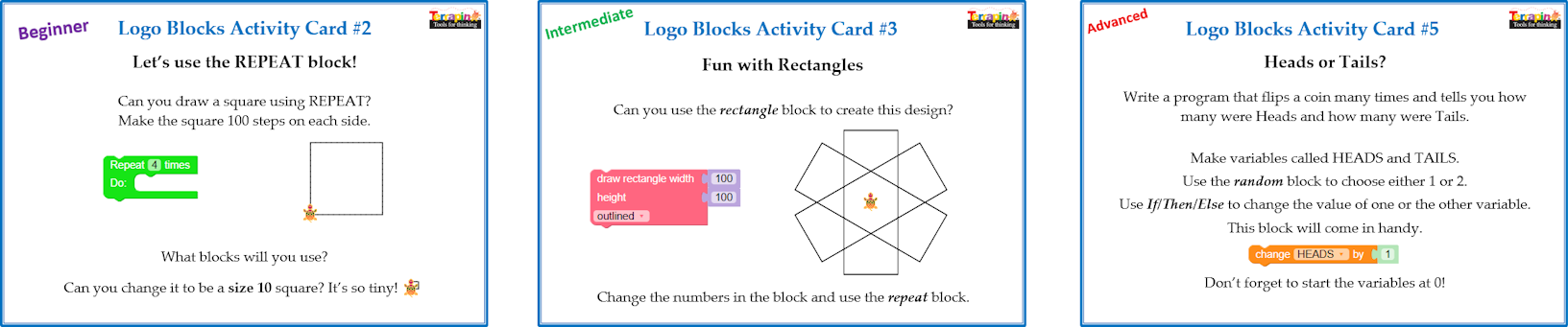
These activities start with using simple blocks to move and turn the turtle. Then, using the repeat block, learners can explore various polygons and create designs using them. They can even set the shape of the turtle to Bee-Bot or Blue-Bot! Solutions are provided at the end.
Go to: Logo Blocks Activity Cards for Beginner Mode
Intermediate Mode:
These activities explore color, drawing text on the screen, exploring coordinates, using blocks to create circles and rectangles, looking at Editor code and reconstructing the code using Logo Blocks, using conditionals (If/Then/Else), and writing procedures with and without inputs. Solutions are provided at the end.
Go to: Logo Blocks Activity Cards for Intermediate Mode
Advanced Mode:
These activities explore more complex designs, word and math games, simulations, how to respond to key presses and mouse clicks, and much more. Solutions are provided at the end.
Because these activities are more challenging, having students work in pairs is an excellent strategy. They will learn from each other and figure out how to work cooperatively on a project.
Go to: Logo Blocks Activity Cards for Advanced Mode
Don’t forget to send us block code that you have created!
To send us your code, use the Customer Contribution Form on our website.
Under topic, please choose “I would like to share my Logo program.”
Maybe you’ll see your work posted in our Logo Blocks Gallery!