Welcome to Logo Blocks!
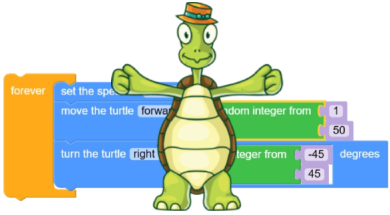
Logo Blocks is a fun way to learn to code! You can just drag blocks of code together to create programs.
It’s a visual way to code and in the process you’ll learn to code in the Logo programming language.
Go to Logo Blocks now!
Logo Blocks runs in a browser and is best suited for use on a desktop, laptop, or Chromebook.
Note that the full Logo programming language also includes Logo Blocks.
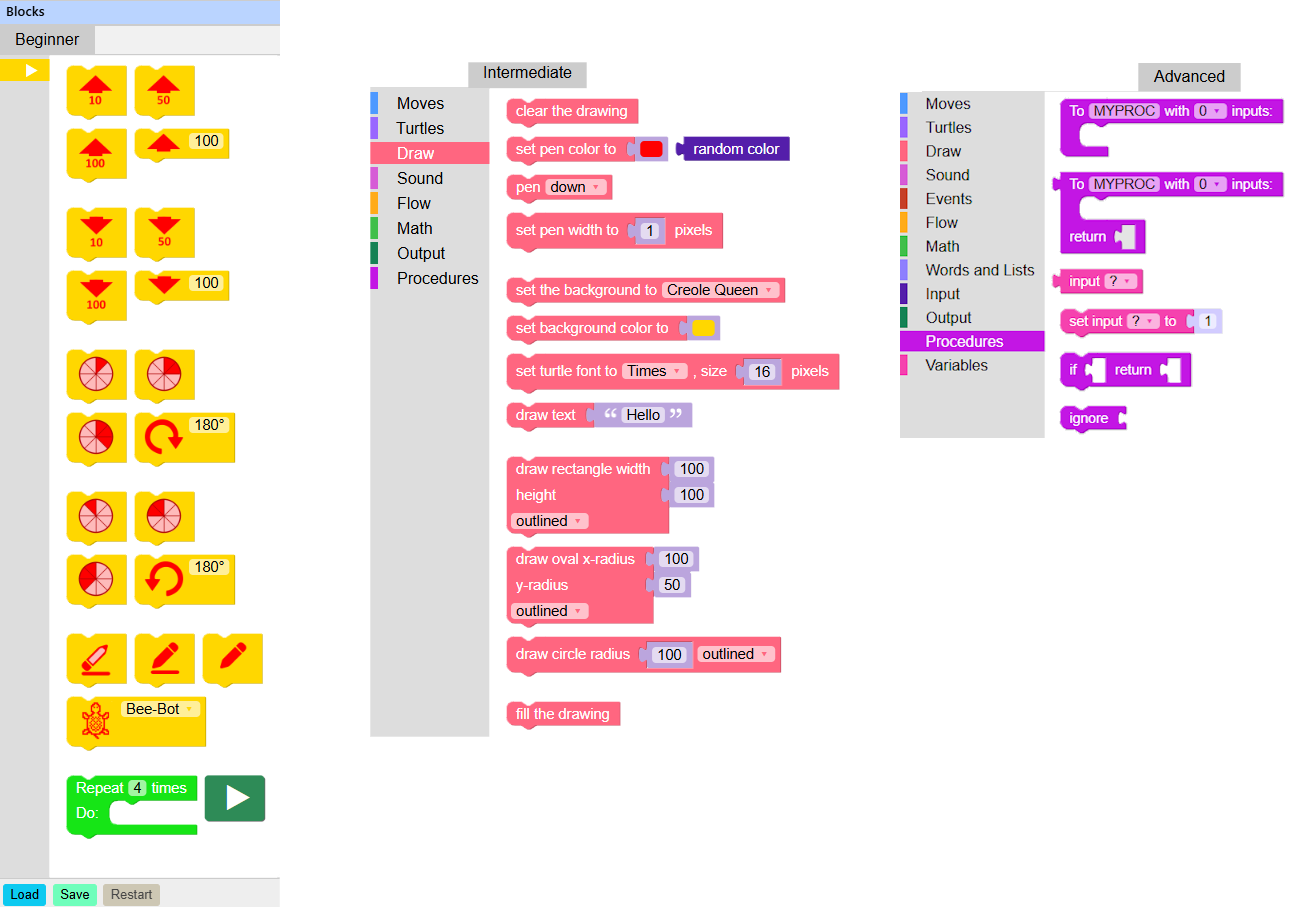
When Logo Blocks launches, you will see five tabs.

Logo Blocks starts out in Beginner mode. Click the Intermediate and Advanced tab for dozens more block commands.
Click Help to learn how to code. Click About to learn more about your version of Logo Blocks.
Take your first steps with the Logo Blocks Quick Start Guide.
Then, learn more about coding with Logo Blocks in these tutorials:
- Beginner mode tutorial
- Intermediate mode tutorial
- Advanced mode tutorial
For ideas of things to try, check out the Logo Blocks Activity Cards.
Send us your masterpieces and we’ll post them in the Logo Blocks Gallery!
Let’s get started!