Logo Blocks
Logo Blocks is a fun way to learn to code! You can drag blocks of code together to create programs.
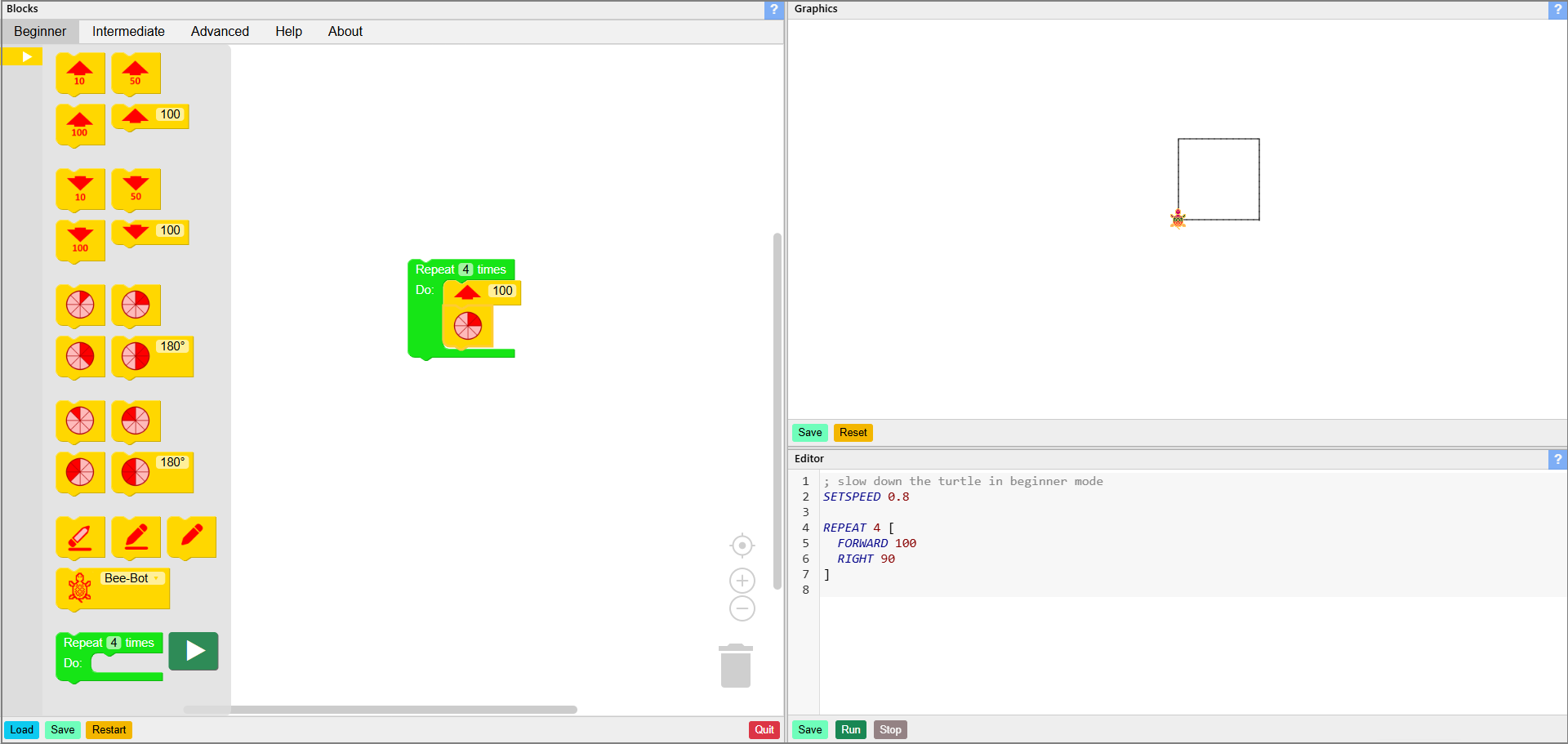
Start in Beginner mode, with a small number of commands. When you are ready for more, try the Intermediate mode and then the Advanced mode.
Creating a program with blocks also creates a code in the Logo programming language. You can see it in the Logo Code area.
To learn how to use Logo Blocks, please refer to the Beginner Mode, Intermediate Mode, and Advanced Mode tutorials.
Try putting a program together, and have fun! For more ideas, visit the Activity Cards page.