|
Do you have more than one Bee-Bot or Blue-Bot? Many activities are ideal for multiple robots. Students can interact with the bots and the bots can interact with each other.
Activity #1: Dancing Bots!
A classic way to code multiple robots
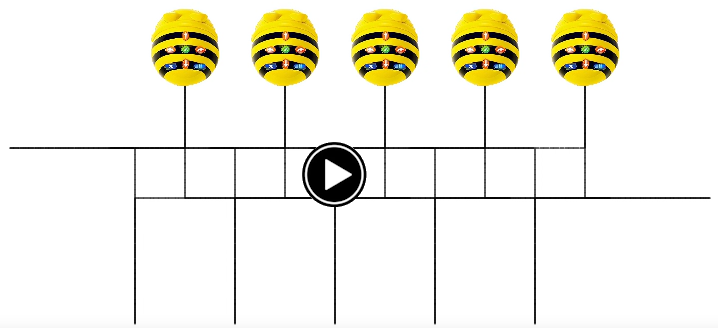
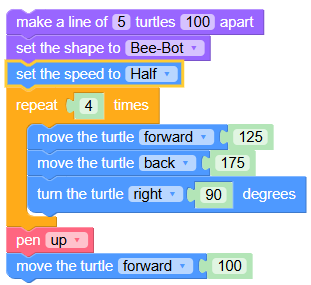
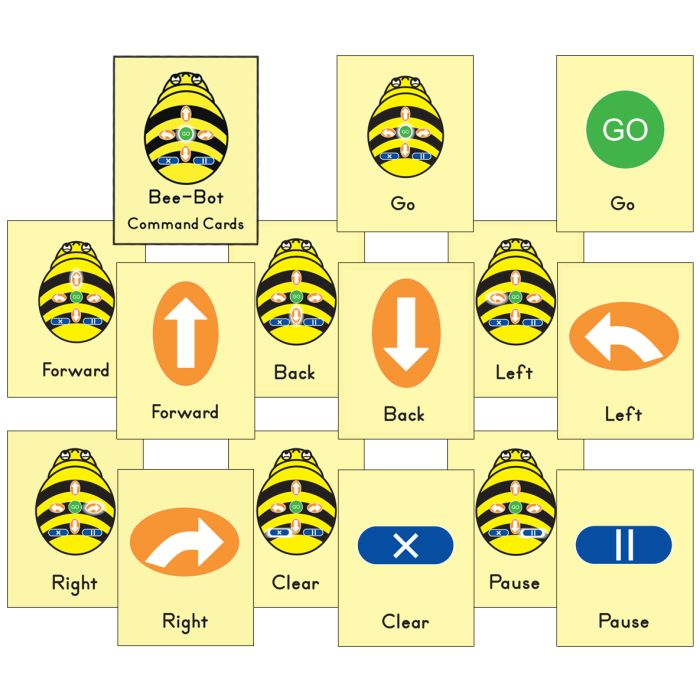
Have students work together to create synchronized dance steps for Bee-Bot and/or Blue-Bot. They can use Command Cards to notate the choreography that they invent. Create a video of the dance and add music. For added fun, outfit your bots with Pen Holder Jackets so they can draw as they dance. (Learn how to code dancing bots in Logo Blocks below.)
__________
Activity #2: Chatty Bots
Record messages that bots speak to each other
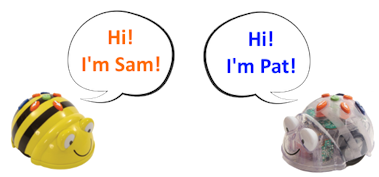
Did you know that "See & Say" bots (Bees and Blues that have three switches underneath them) can detect another nearby bot? Record what each one says when it gets within about 10" of another bot. This article tells how to record (and erase) these messages.
__________
Activity #3: TacTile Code Reader
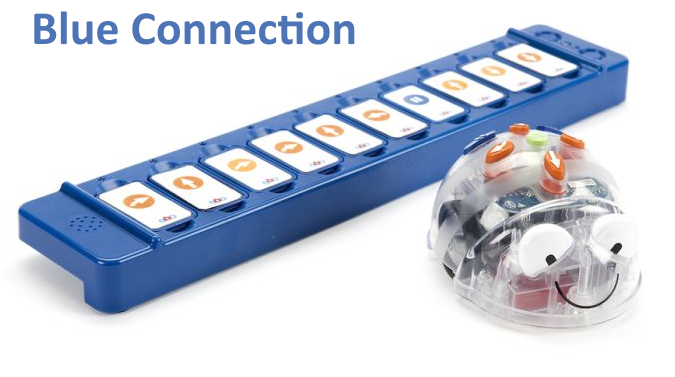
Code Blue-Bots remotely with several TacTile Code Readers
If you have multiple Blue-Bots and more than one TacTile Code Reader, students can code them remotely. A Blue-Bot paired to a TacTile Code Reader stays paired even when a nearby Blue-Bot is paired with a different TacTile Code Reader. Students can then code each Blue-Bot separately and have them interact with each other, as in Activity #2.
__________
Activity #4: Blue-Bot Online Emulator
Code Blue-Bots remotely with its online emulator
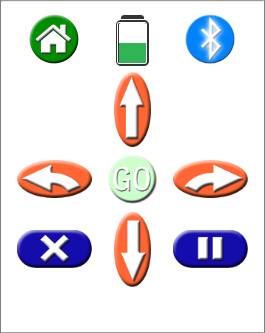
You can pair multiple Blue-Bots with Bluetooth when you use the Blue-Bot Online Emulator. Each bot stays paired to its own connection and can roam independently. Place Blue-Bot on a printed learning mat and control it remotely from the emulator. When Blue-Bot is paired with Bluetooth, you will see how much charge remains, too. How handy!
__________
Activity #5: Snakes & Ladders Mat
Using the floor mat with multiple robots
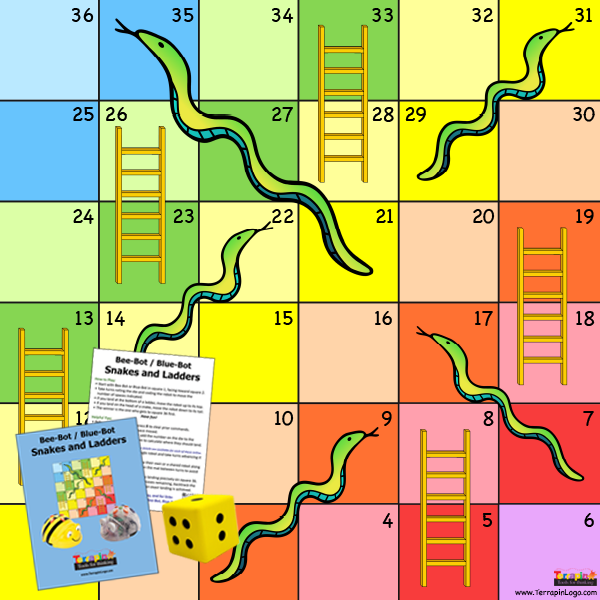
This engaging mat can be used with multiple robots, which leads to friendly competition. Have students mark the position and heading of their robot after their turn and then remove the bot from the mat. Doing this prevents the bots from running into each other! When it is their turn again, they can replace their robot in its prior position while the other player marks their bot's spot. Students can share bots in pairs or, if enough are available, have one bot per student. Read more about this strategy and other ways to play this game.
|